Best QR Codes for Product Storytelling: 7 Tools Compared
Key Takeaways
- The best QR codes for product storytelling are dynamic, open a real mobile experience, carry your branding, and report scan data.
- Treat the code as a second layer of packaging: the printed pack stays fixed while the digital story can grow and change.
- Most packaging codes underperform because brands stop at generation. Designing the scan and measuring it is what separates the winners.
- Scanova leads this list for measurable storytelling and starts at $5 a month. Flowcode suits design-led codes, Bitly fits link-heavy teams, and free tools like QRCode Monkey cover one-off static needs.
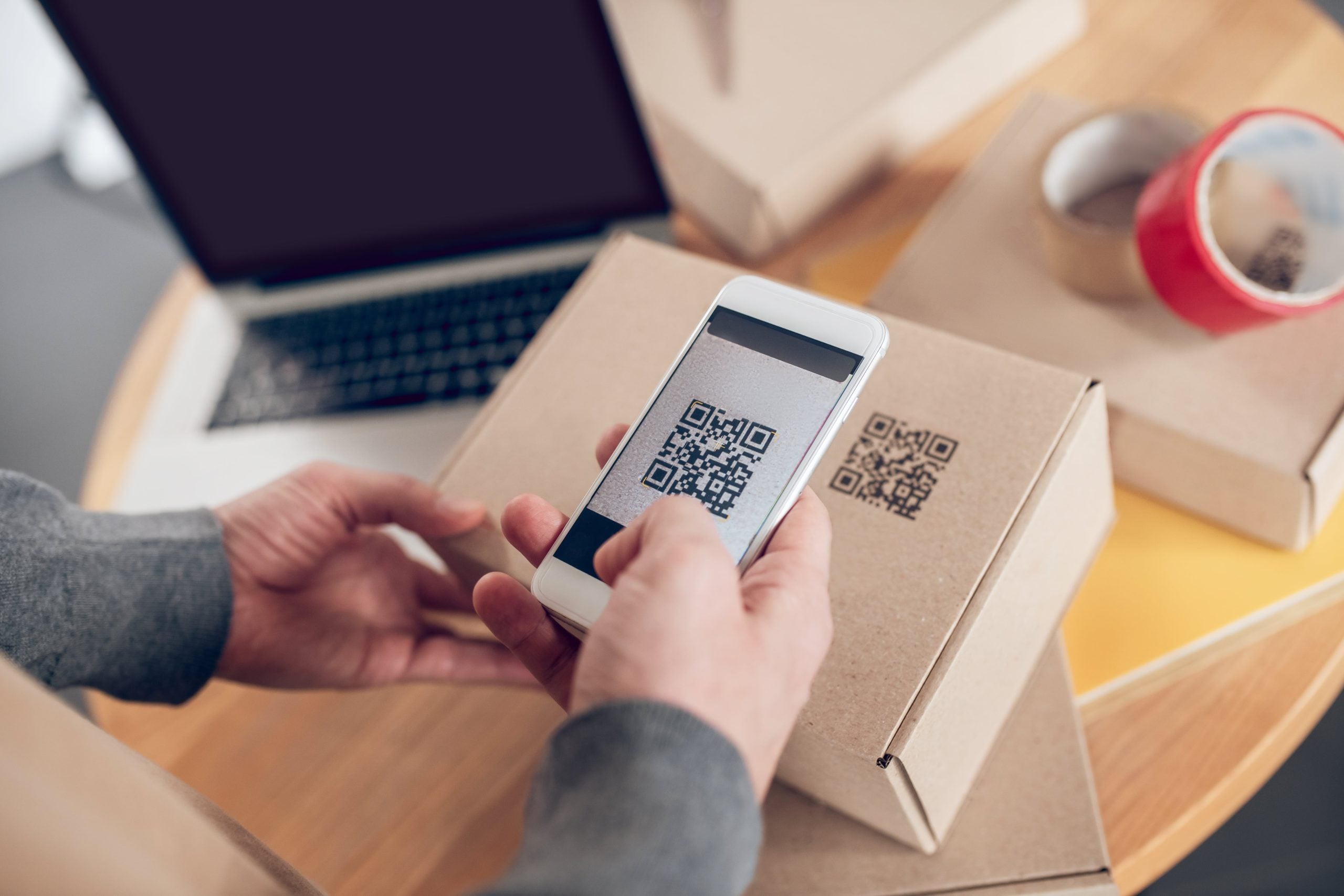
A product label has room for a name, a logo, and a few lines of required text. That is not much space to explain where something came from, how to use it, or why it earns a second purchase. Shoppers, meanwhile, often want more before they commit, and even more once they get home.
A QR code closes that gap. Think of it as a second layer of packaging. The printed pack stays the same, while a scan opens a digital space where the full product story can live, from a founder’s note to an origin video to a how-to. The best QR codes for product storytelling make that scan feel deliberate, on-brand, and measurable, not just a link stuck on a box.
Consumers are ready for it. In a 2025 GS1 US consumer survey, 79% said they are more likely to buy a product after scanning a code that offers extra information.
This guide covers what separates a storytelling code from a basic one, how to build one, and seven tools that can do the job, starting with the option best suited to marketers who want to measure results.
What separates a storytelling QR code from a basic one?
Any generator can make a black square that opens a link. The gap between a code that gets ignored and one that carries a story comes down to four traits: it stays editable, it opens a real experience, it looks like your brand, and it reports back.
Most codes underperform because brands stop at generation. In Scanova’s 2026 QR Code performance benchmarks for consumer goods, drawn from 46.9 million scans across 28 brands, the typical packaging code earns just 21 scans. The codes that beat that are not luckier. They design the scan, not only the square.
- Editable after print. Dynamic codes let you change the destination without reprinting, so a code printed in spring can point to a summer story later.
- A destination worth scanning. A mobile landing page with video and a clear next step beats a bare PDF or a homepage.
- On-brand design. A code with your colors, logo, and a “Scan for the story” prompt reads as part of the pack.
- Measurement. Scan data by time, location, and device tells you which product’s story resonates and which to rework.
The habit is already there. People routinely point a tablet camera at an object to learn what it is, so scanning a pack for its backstory feels like a natural next step.
How to use QR codes for product storytelling?
You do not need a big production to start. A storytelling code that performs tends to follow the same six steps.
- Pick the moment and the story. Decide what a buyer wants at that point: origin, a how-to, ingredients, sustainability proof, or a reorder nudge. Scanova’s 2026 food and beverage benchmark, built from 6.4 million scans across 38 brands, splits packaging codes into compliance and engagement uses, which is a useful way to decide what each code should do.
- Choose the right code type. A product page, a video link, or a document each fit a different story. Match the type to the question you are answering.
- Build a mobile landing page. This is where the story lives. Scanova’s mobile landing page builder lets you add video, images, and buttons without a developer, and its AI landing page tool, currently in beta, drafts a page from a short prompt.
- Brand the code. Add your logo and colors so it looks like part of the design rather than a sticker added later.
- Add a next step. A story that informs is good. One that captures a lead or points to a reorder page turns the scan into a measurable touchpoint.
- Track and update. Watch scans by time, location, and device, then change the destination as the campaign shifts, all without reprinting.
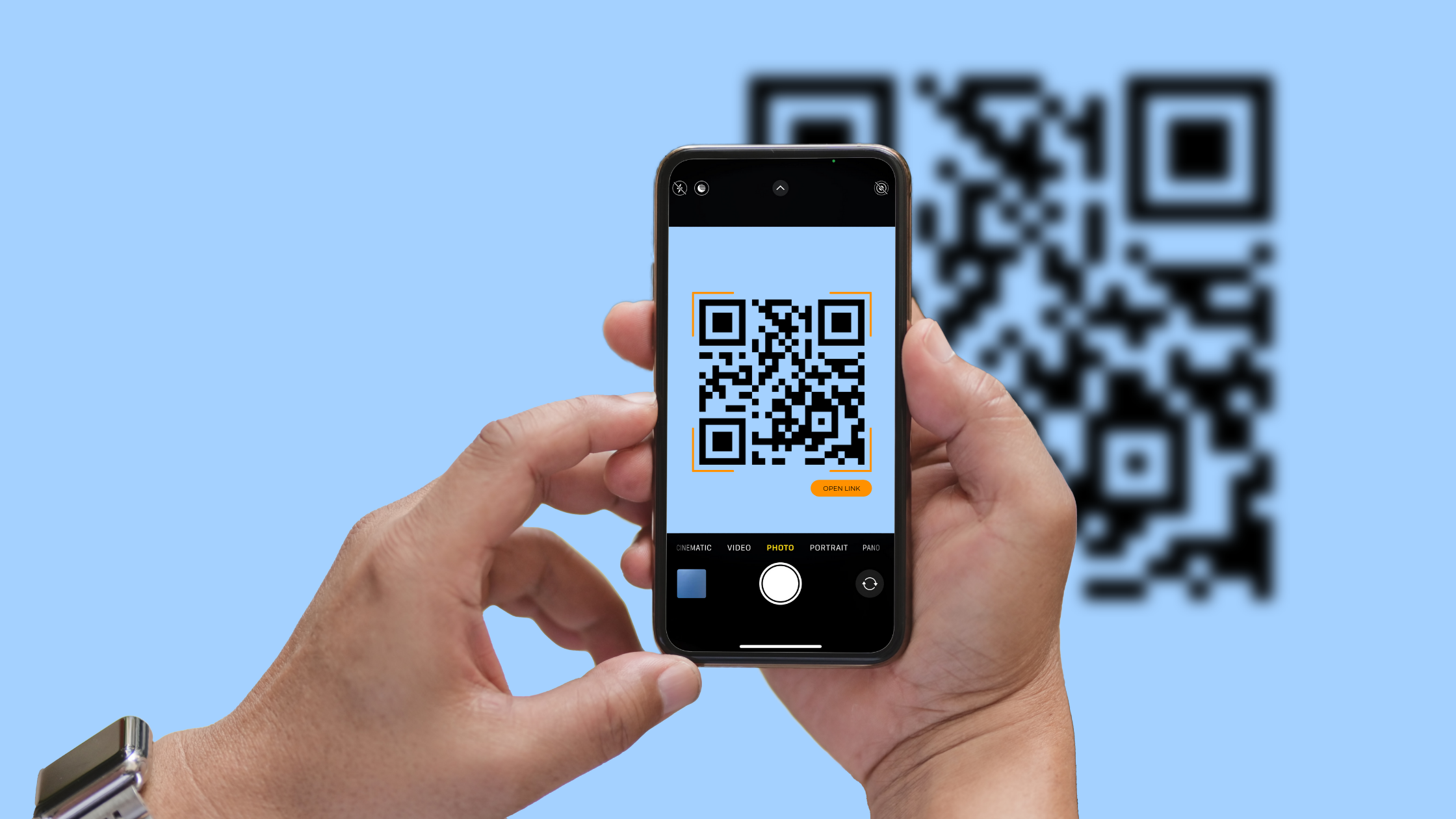
Best QR codes for product storytelling: 7 tools compared
Every tool below can generate a code. They differ in what happens after the scan and whether you can measure it. Here is a quick view, then a short take on each.
| Tool | Dynamic + tracking | Landing pages | Starting price | Best for |
|---|---|---|---|---|
| Scanova | Yes | Yes (plus AI page, beta) | From $5/mo | Measurable product storytelling |
| QR Tiger | Yes | Basic | From $7/mo | Simple dynamic codes |
| Flowcode | Yes | Yes (Flowpage) | From $25/mo | Design-forward campaign codes |
| Bitly | Yes | Basic | From $10/mo | QR alongside link management |
| Canva | No (static) | No | From INR 4,000 | A code inside a design in progress |
| QRCode Monkey | No (static) | No | Free | A one-off static code |
| Adobe Express | No (static) | No | Free + premium | Quick codes in the Adobe suite |
Starting prices are entry-level and current at the time of writing. Plans change often, so confirm each provider’s latest rates before you commit.
1. Scanova: best for measurable product storytelling
Scanova leads this list because it connects the pieces a story needs and then measures them. Packaging is printed months before a campaign shifts, so its dynamic QR Codes for product packaging let you change a code’s destination after the pack ships, with no reprint.
The scan opens a mobile landing page you build without a developer, and its AI landing page tool, in beta, drafts one from a prompt. You can brand the code, capture leads, and generate codes in bulk for many SKUs, while analytics break scans down by time, location, and device.
Essity passed 350,000 scans working this way, and brands like L’Oréal use the platform. Static codes are free and there is a 14-day trial, while the dynamic plans that power storytelling start at $5 a month.
2. QR Tiger: best for simple dynamic codes
QR Tiger suits teams that mainly need reliable dynamic codes without many extras. It covers editable destinations, basic scan tracking, and a range of code types.
If your plan is one code that links to a product video and gets updated now and then, it does the job. Brands that want deeper landing pages or richer analytics may find it lighter than a full storytelling platform.
3. Flowcode: best for design-forward campaign codes
Flowcode leans into design. Its codes are built to look distinctive on packaging and in campaigns, which appeals to consumer brands that treat the code as a creative asset. It also offers marketing analytics.
It is a strong pick when the visual impact of the code matters as much as where it points, though that focus can carry a higher cost than plainer tools.
4. Bitly: best when QR sits alongside link management
Bitly is worth a look when QR codes are one part of a wider link strategy. If your team already shortens and tracks links across email, social, and print, adding QR in the same dashboard keeps things together.
The story still depends on the page you send people to, so Bitly fits brands that have their own landing pages and want QR mainly as another entry point.
5. Canva: best for a code inside a design in progress
Canva makes sense for teams that design packaging or marketing assets in it already. You can add a QR code to a layout without switching tools, which is handy for one-off pieces.
The trade-off is depth. The codes are basic, so if you need editable destinations, detailed analytics, or built-in landing pages, you will outgrow it as the storytelling gets more ambitious.
6. QRCode Monkey: best for a free, one-off static code
QRCode Monkey is a free generator known for letting you customize the look of a static code. It is useful for a single code you need quickly, such as one linking to a fixed page.
Because the codes are static, you cannot edit the destination after printing or see scan data, so it fits one-off needs rather than a story you plan to update and measure.
7. Adobe Express: best for quick codes in the Adobe suite
Adobe Express offers a quick QR feature for teams already working in Adobe’s tools. Like Canva, it is convenient for dropping a code into a design in progress.
Treat it as a creation shortcut rather than a storytelling platform, since dynamic destinations, landing pages, and analytics sit outside its scope.
Product storytelling does not need a bigger label. It needs a scan that opens the right experience at the moment a buyer is curious, and a way to tell whether it worked.
The typical packaging code earns only a handful of scans, so the tool you pick should help you design the destination and learn from it, not just print a square.
If your story will change over time, or you want proof that it moved anyone, choose a platform built for dynamic destinations, real landing pages, and clear analytics.
If you are turning packaging into a storytelling channel and want to measure what each scan does, start with a tool that combines dynamic codes, landing pages, and analytics before your next print run.

Jim's passion for Apple products ignited in 2007 when Steve Jobs introduced the first iPhone. This was a canon event in his life. Noticing a lack of iPad-focused content that is easy to understand even for “tech-noob”, he decided to create Tabletmonkeys in 2011.
Jim continues to share his expertise and passion for tablets, helping his audience as much as he can with his motto “One Swipe at a Time!”