
Avoid Setup Issues with the Right eSIM-Compatible Devices for the UK
Travel across the UK often depends on quick and reliable internet access. From busy streets in London to scenic routes in the Scottish Highlands, setup issues can disrupt plans.
eSIM technology makes connectivity easier, but device compatibility plays a key role. A few checks in advance can prevent unnecessary delays.
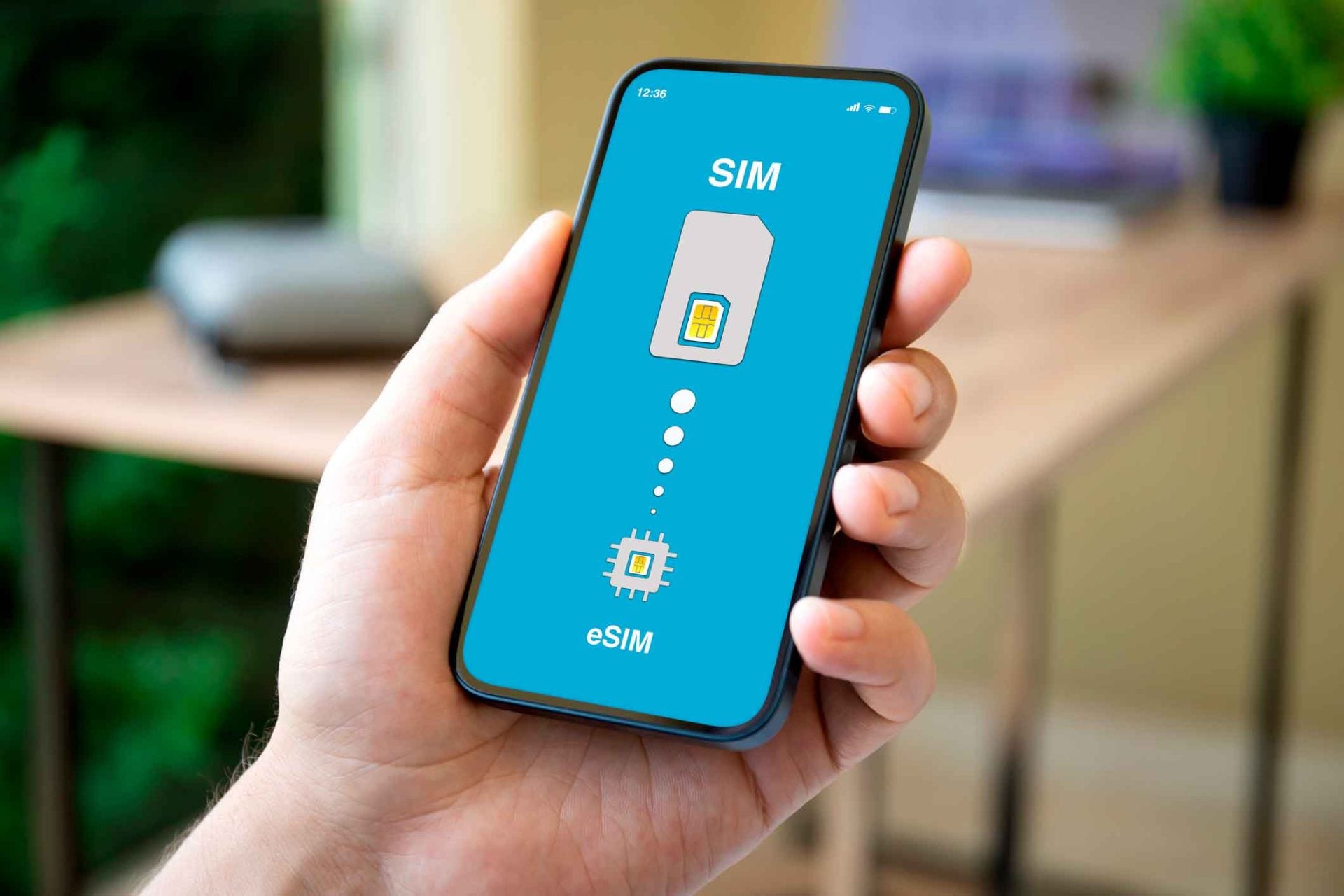
Confirm the Device Supports eSIM Before Traveling
Device compatibility is the first step before any setup begins. A Nomad UK eSIM, for instance, works on devices that support eSIM technology and allow activation without restrictions.
Many newer smartphones support this feature, but older models may not. A quick check in device settings or manufacturer details can avoid problems later.
Unlocked devices are also important for smooth connectivity. Some phones may restrict access to certain networks, which can affect performance in cities like London or Manchester.
This can lead to delays during activation or weak signals after setup. Ensuring the device is ready helps avoid these issues from the start.
Check Software Version and System Updates
Software versions can affect how well an eSIM functions. Devices with outdated systems may face issues during installation or network access.
Keeping the system updated before travel helps improve compatibility. This small step can prevent setup failures in places like Birmingham or Leeds.
Updates often include fixes that improve network performance and stability. Without them, the device may not connect properly to local carriers. A stable system supports faster activation and smoother use. It also reduces the chance of errors during setup.
Verify Device Network Compatibility
Different devices support different network bands, which can directly affect performance during travel. The UK uses specific frequency bands that may not match all international devices, especially older or region-locked models.
This mismatch can impact both speed and signal strength across different regions. Checking compatibility in advance helps ensure more consistent performance in cities as well as rural areas.
A device that supports multiple bands tends to perform better throughout the trip. It can connect more easily in areas like Edinburgh or Cardiff, where network conditions may vary from one spot to another.
This leads to more stable internet access during daily use. Strong compatibility reduces the chances of weak connections or sudden drops in coverage.

Follow the Correct Installation Steps
Setup issues often come from small mistakes during installation. Scanning the QR code in a stable WiFi environment helps ensure proper activation. It is also important to check settings after installation. This helps confirm that the correct profile is active.
Key Setup Checks to Follow
A few simple steps can prevent common issues:
- Confirm QR code details before scanning
- Check mobile data settings after installation
- Select the correct network if required
- Restart the device if the signal does not appear
These checks help ensure that the setup completes without confusion or delays. A smooth process leads to faster connectivity once outside.
It also reduces the need for repeated setup attempts later. Clear steps can make the entire process feel more straightforward and reliable.
Adjust Device Settings for a Stable Connection
Device settings can influence how well the eSIM performs. Automatic network selection works well in most UK areas. In some locations, manual selection can improve signal quality. This can help maintain better speed in crowded areas like central London.
Refreshing the connection can also fix minor issues. Turning airplane mode on and off can reconnect the device to a stronger signal.
Resetting network settings may help in case of persistent problems. These small adjustments can improve overall performance.
Test the Connection Before Heading Out
Testing the connection after setup helps confirm that everything works properly before stepping out. It is better to check access while still in a stable environment like a hotel, airport, or cafe with strong WiFi.
This allows enough time to fix any issues without feeling rushed. A quick test at this stage can prevent unexpected problems later in the day.
Trying basic tasks like opening maps, loading websites, or checking apps helps confirm stability. This becomes useful before visiting places like Oxford or Bath, where signal strength may vary across locations.
Early checks reduce the chance of disruptions during travel and help keep plans on track. A Nomad UK eSIM, for example, works best when the setup is fully verified in advance.
Setup issues can affect travel plans more than expected, especially when internet access is needed right away. A Nomad UK eSIM, for instance, performs well when paired with a compatible device and the correct setup steps.
From cities like London to remote areas in Wales, proper preparation helps maintain stable connectivity. With the right device and a few checks, the setup process stays simple and reliable.

Jim's passion for Apple products ignited in 2007 when Steve Jobs introduced the first iPhone. This was a canon event in his life. Noticing a lack of iPad-focused content that is easy to understand even for “tech-noob”, he decided to create Tabletmonkeys in 2011.
Jim continues to share his expertise and passion for tablets, helping his audience as much as he can with his motto “One Swipe at a Time!”