
The Free Perks Every Tablet User Needs to Know About
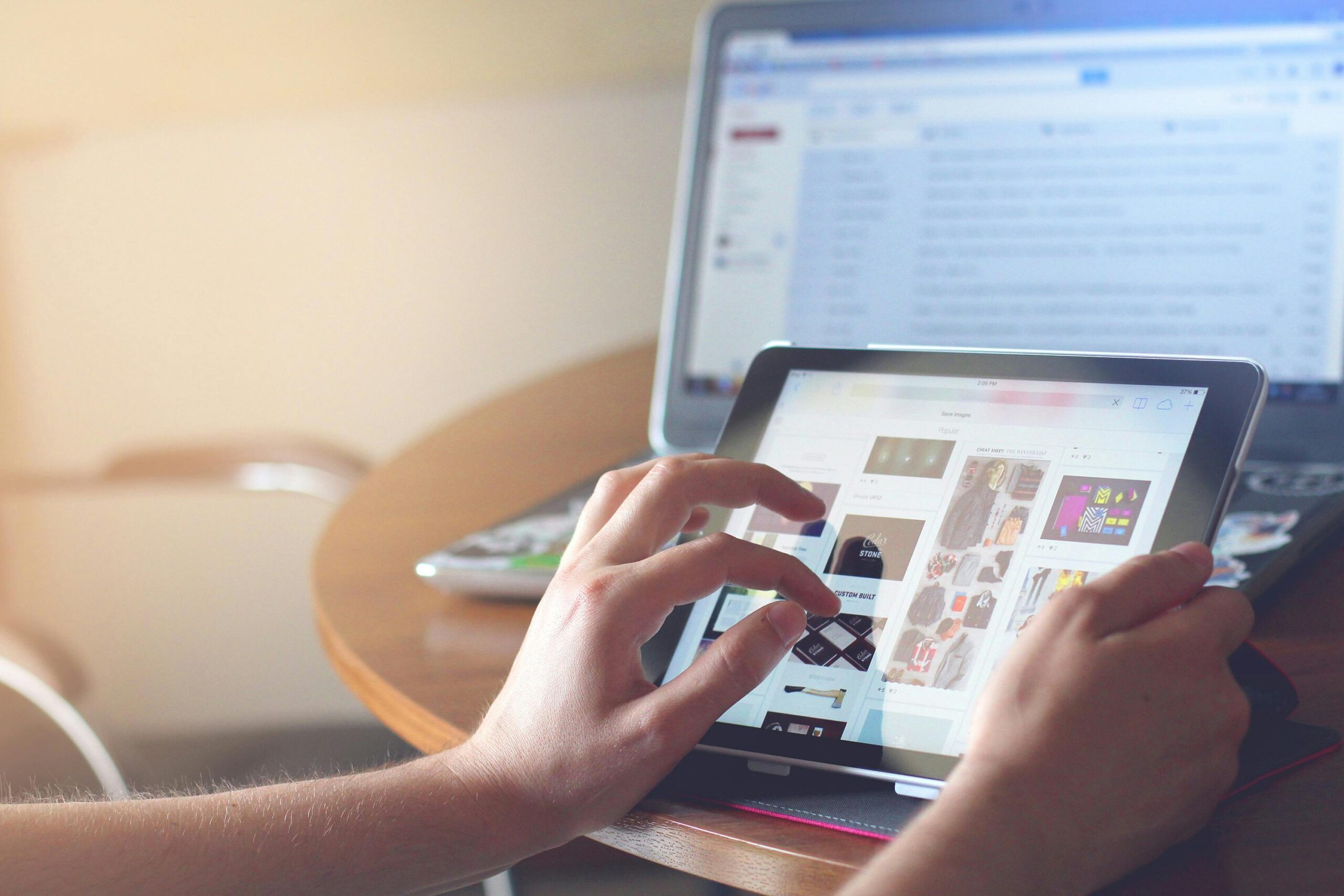
A tablet sits in a strange middle ground. It feels like a toy until a bill lands, then it turns into a tool. The best perks hide in plain settings, free services, and small routines that save time first, then save money. You can also use it to earn a little, if you keep your head and treat each app like a shop with a till.
Most perks sound like gimmicks because people chase shiny extras. Real value comes from three places: cheaper information, cleaner browsing, and fewer paid subscriptions. A good setup also keeps work moving, so you finish sooner and leave the screen with energy intact.
Some users even turn spare minutes into free gift cards through BrandBee, which runs as a rewards app on iOS and Android and pays out for activities like surveys and other in app tasks, then lets you redeem earnings as gift cards once you reach the app’s cash out rules.
Treat it like pocket change rather than wages, and keep personal data settings tight, yet it can cover a coffee or top up a small purchase while you browse with intent.
Read more, pay less, keep the page clean
Library access remains the most underrated perk on any slate. Libby connects your library card to ebooks, audiobooks, and magazines, so a commute or sofa hour stops costing you ten quid a pop in impulse downloads.
Libby also supports offline reading after you borrow, which helps when travel kills signal and you still want a chapter that holds.
Kanopy works the same way for film, with many public libraries offering access through a library card or university login. You get ad free viewing, and you avoid stacking another streaming fee on top of the ones you already forget to cancel.
This perk pairs well with wireless casting, since both AirPlay and Google Cast let you push video from the slate to a bigger screen when your eyes want a break.
Turn messy sites into calm reading
A lot of sites load like a market stall. Bright banners, moving boxes, and pop ups fight for your attention. Safari’s Reader feature strips many pages into plain text, which makes long reads easier and can also cut data use because the page loads with less clutter.
Apple also lets you set Reader to turn on automatically for chosen sites, which saves time every day because you stop fixing the same problem twice.
Chrome’s Safe Browsing settings add another free layer that matters when you shop or read from unfamiliar sources. Google describes “Enhanced protection” as its most secure browsing experience, designed to warn about dangerous sites and downloads.
That safety focus protects your accounts, and account safety protects your money, because fraud rarely asks permission.
Make cashback work on a slate
Cashback sites sound like a trick until you understand the tracking. Usually, a retailer pays a referral fee, and the cashback platform shares part of it with you after the retailer confirms the purchase.
Use one service at a time for each purchase, keep tabs tidy during checkout, and complete payment in one sitting so tracking stays clean.
This perk fits regular spends best. Groceries, insurance, broadband, and travel bookings often carry cashback offers. The smartest use looks dull.
You plan a needed purchase, you click through the cashback page, you buy, then you leave. Over a year, those small returns can fund accessories, cloud storage, or a case that saves you a screen repair bill.
Spend less by sharing screens you already own
A slate can replace small paid extras when you lean on casting. AirPlay lets you stream video or mirror the screen from an iPad to an Apple TV, a compatible smart TV, or a Mac when both devices share the same Wi-Fi network, and Apple places screen mirroring in Control Centre.
Google Cast follows a similar pattern, with Google support noting that the casting device and the TV setup share the same Wi Fi network and you cast from a Cast-enabled app.
This matters for money because one good screen can serve a whole room. You can stream a library film, show a recipe, run a workout, or display a slide deck, then skip buying a second screen for the kitchen or spare room. It also matters for time, since a shared screen turns group decisions into one quick look instead of a round of messages.
Use free tools that protect paid accounts
A tablet often becomes the place you sign in everywhere. That makes account hygiene a savings perk, since breaches and account takeovers cost real money and real hours. Chrome’s built in protection options help, and so does any habit that keeps passwords unique and up to date.
A simple routine works: update the most valuable logins first, then move outward across retail accounts, then move to low value logins last.
You can also set aside a short monthly check for subscriptions and renewals. Many services rely on forgotten auto renew. A five-minute review keeps you in charge of your outgoing money, and it frees cash you can route into saving or investing without turning it into a major life project.

Jim's passion for Apple products ignited in 2007 when Steve Jobs introduced the first iPhone. This was a canon event in his life. Noticing a lack of iPad-focused content that is easy to understand even for “tech-noob”, he decided to create Tabletmonkeys in 2011.
Jim continues to share his expertise and passion for tablets, helping his audience as much as he can with his motto “One Swipe at a Time!”