5 Proven Tips for Boosting Productivity With Your Tablet
The modern business environment and new rules dictate a fast pace of life. Flexibility, mobility, and adaptability have emerged as key qualities that young professionals are trying to cultivate.
A hallmark of our times is the move away from tethering the “head office” to a specific workstation.
Today, you can work wherever it is convenient to open your device — whether you are managing a small startup team or running a large-scale campaign.
Your tablet is perfectly suited for this purpose.
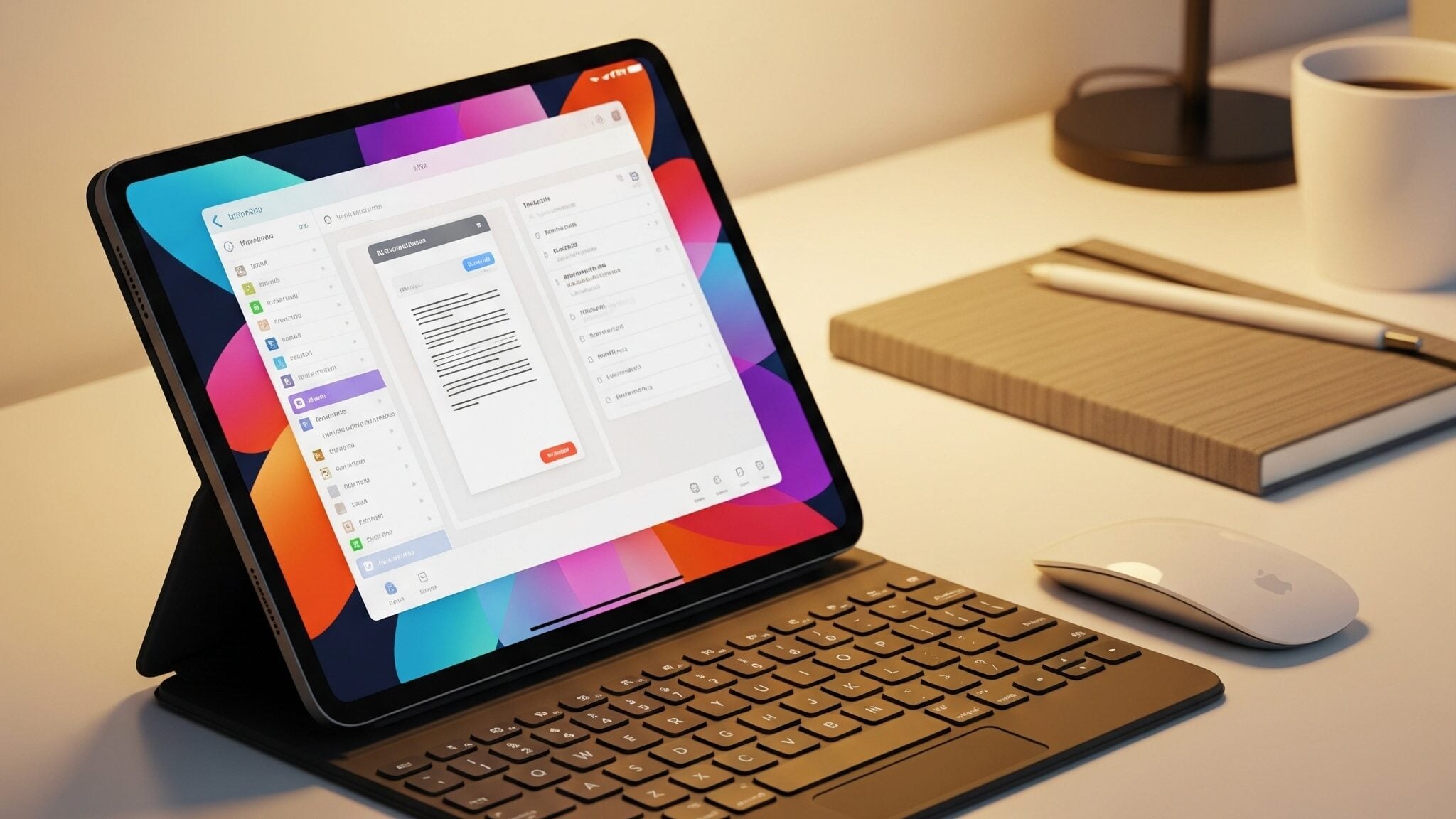
While it may not match the raw power of a desktop computer, it can handle a wide range of tasks and commands from any location.
If you approach using it seriously, it will quickly become the command center for both your personal affairs and your business tasks.
People all over the world love tablets for their size and speed. We use them to communicate, brainstorm creative ideas, do routine work, plan, track time, allocate funds on the fly, and much, much more.
Below are some simple tips to help you make the most of this portable device. Turn it into a powerful tool for boosting your productivity.
5 practical tips for boosting productivity when working on a tablet
Some tips in the following list may seem obvious to you, while others can prove to be important discoveries.
Let’s dive in.
1. Make visual planning a priority
A tablet opens up broad opportunities for maximizing the benefits of professional project planning.
For example, you can install special software and use powerful Gantt chart tools that bring project management visualization to another level.
You can monitor time, adjust deadlines on tasks, prioritize, and more, with interactive diagrams on a tablet screen.
Project planning with Gantt chart software is a simple and convenient process on mobile interfaces. It gives you full control over deadlines from anywhere in the world.
Schedule your projects without attending the office — whether you’re at a cafe, in a taxi, or at the airport.
A Gantt chart will help you synchronize the workflows of other specialists, preventing deadline overlaps. This will ensure that every team member sees the current work status in real time.
Turning to this tablet-based planning method minimizes the need to carry around a bulky laptop just to check task status.
2. Keep your cloud in sync at all times
Cloud storage should be your one source of truth for files, so you can keep your workflow secure and rolling. Any device you work on has access to your plan or document with the most up-to-date version.
Integrate your tablet seamlessly into a whole system, which will automatically sync files from the cloud. It will allow you to keep up-to-date in real time.
Utilize established services such as Google Drive to help blur the lines between your smartphone, tablet, and office desktop.
This will prevent any confusion over versions of the document, and you won’t have to email documents to yourself or send them via messaging apps.
3. Manage notifications effectively
By managing notifications properly, you can significantly reduce digital noise and distractions.
A tablet makes it easy to turn your home screen into a deep focus zone. You can hide entertainment apps and show only your work tools.
Configure “Do Not Disturb” to turn on automatically when you need to be quiet and concentrate. This will help you get into a flow state sooner and stay there longer, without the risk of getting sidetracked by checking social media.
In addition, turning off pop-up banners from messaging apps reclaims control of your schedule and attention.
Clear your notifications once and watch your productivity soar as your mind clears.
4. Work on a split screen
Adopting a split-screen workflow can be a good habit to get into.
Simply open two apps side-by-side, and you’ll see an immediate boost in the speed at which you handle daily routine tasks.
For example, you may have a work chat open in one window while working in a graphics editor in the other. This will eliminate the need to constantly switch between tabs.
Modern tablets are powerful enough to ensure both halves of the screen run smoothly, without the slightest lag.
This is particularly valuable for marketers and business analysts who need to gather references during a call or frequently cross-reference report figures with presentation content.
Setting up split-screen mode takes just a couple of seconds, thanks to the operating system's intuitive gestures.

5. Use mobile document scanning and signing
Modern technology allows you to turn your tablet into a document scanner. Adopting an electronic document workflow frees up time for more significant and creative business tasks.
Plus, with a document scanner and digital signature tool built in, you’ll speed up your workflow by not having to hunt for a nearby printer.
You can take a photo of your paper contract on your device. The camera automatically aligns the edges of the page and turns the image into a neat PDF.
You can then apply a legally binding signature directly on the screen using a stylus. All that remains is to send the document to your partners in a matter of seconds.
Those were the key tips for boosting productivity with a tablet. There are others, of course, but right now it'll be useful to focus on the device's downsides.
Can a tablet actually hinder productivity?
Despite its impressive portability, a tablet has several fundamental limitations.
Mobile operating systems have historically been designed for content consumption rather than in-depth content creation. This places constraints on many professional applications.
You'll hardly work with specialized development environments, resource-intensive graphics, or complex, multi-layered databases on a tablet.
Another drawback is the physical ergonomics of the device for long periods of text-based and analytical work.
However, in terms of general productivity, the pros of the tablet still outweigh the cons.
Enjoy the power of mobility with your tablet
In today’s business world, responsiveness is key to staying alive. Therefore, the ability to be tech-agile and to have the skills to manage mobile devices has become a critical competitive advantage.
A tablet is no longer just a toy or a tool to check email. When it is used well, it can serve as a dependable command center to make decisions fast.
The performance of the device is not determined by the number of apps installed but by having the device seamlessly integrated into the overall value chain of the product or service.
When you can visualize strategies, quickly gather insights, and manage projects right on your tablet screen, you become efficient and motivated.

Jim's passion for Apple products ignited in 2007 when Steve Jobs introduced the first iPhone. This was a canon event in his life. Noticing a lack of iPad-focused content that is easy to understand even for “tech-noob”, he decided to create Tabletmonkeys in 2011.
Jim continues to share his expertise and passion for tablets, helping his audience as much as he can with his motto “One Swipe at a Time!”