
How to Protect Your Family’s Home Devices from Online Phishing
Cybercriminals constantly devise clever methods to infiltrate home networks, often targeting the very people living under your roof.
Children and teenagers regularly use tablets for homework and smartphones for socializing, creating numerous entry points for deceptive messages.
Parents can protect their households by developing a shared understanding of online threats instead of relying entirely on automated filters.
Recognize Common Phishing Tactics
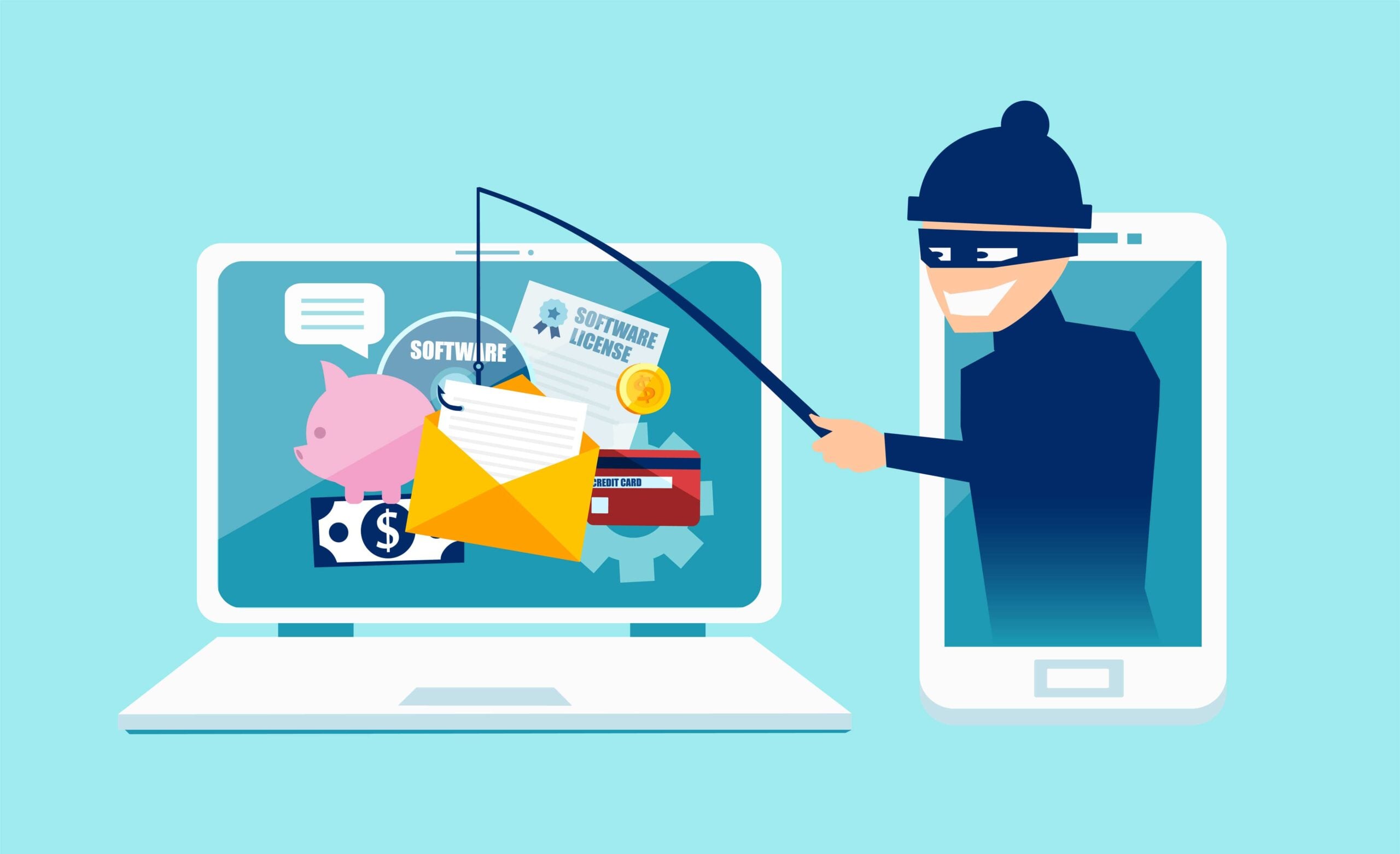
Scammers often craft messages that mimic familiar organizations, such as banks or streaming services, to manipulate your family members. These fraudulent emails and texts rely on a false sense of urgency, pressuring the recipient into immediate action.
Fraudsters exploit the natural human inclination to resolve problems quickly, hoping the victim overlooks glaring errors in the panic. You might notice generic greetings instead of personalized names, or unexpected requests for account verification.
To identify a scam, always hover your cursor over embedded links to reveal the true destination address before clicking anything. Carefully inspecting the sender's actual email address allows you to spot slight misspellings that expose the fraud.
Strengthen Account and Device Security
Cyber attackers actively look for outdated operating systems and applications because they contain unpatched vulnerabilities.
By enabling automatic updates on every computer and tablet, you ensure manufacturers apply the latest security fixes without requiring manual intervention.
Generating complex, unique passwords for every platform further isolates the damage if a single service suffers a data leak.
Turn on multi-factor authentication for your primary email and financial accounts to create an essential secondary barrier. Even if a thief steals a password, this extra verification step stops them from accessing the compromised profile.
Build Safe Browsing Habits Across the Household
Technology alone cannot stop every malicious message from reaching an inbox. Your family members serve as the ultimate defense mechanism against social engineering.
Parents can help to prevent data loss by teaching children to independently verify strange requests through a separate channel, like calling a bank directly.
Discussing real-world examples of scams over dinner helps demystify the threat for younger users. Never share sensitive details like passwords or financial information through unverified web forms.
Use Security Tools to Enhance Protection
Security software gives you a reliable safety net when human judgment falters.
Reputable spam filters automatically divert suspicious emails away from primary inboxes, limiting the opportunities for accidental clicks.
Antivirus programs actively monitor background activity to detect and neutralize malicious downloads before they execute. Modern web browsers also feature built-in warning systems that flag known dangerous sites.
You can also protect your mobile browsing sessions by installing a free VPN for iPhone, which encrypts data transmitted over unsecured Wi-Fi networks.
These defensive layers work together to shield personal information as data travels between household gadgets and the broader internet.

Jim's passion for Apple products ignited in 2007 when Steve Jobs introduced the first iPhone. This was a canon event in his life. Noticing a lack of iPad-focused content that is easy to understand even for “tech-noob”, he decided to create Tabletmonkeys in 2011.
Jim continues to share his expertise and passion for tablets, helping his audience as much as he can with his motto “One Swipe at a Time!”