
How to Pick the Best Expense App for Your Tablet
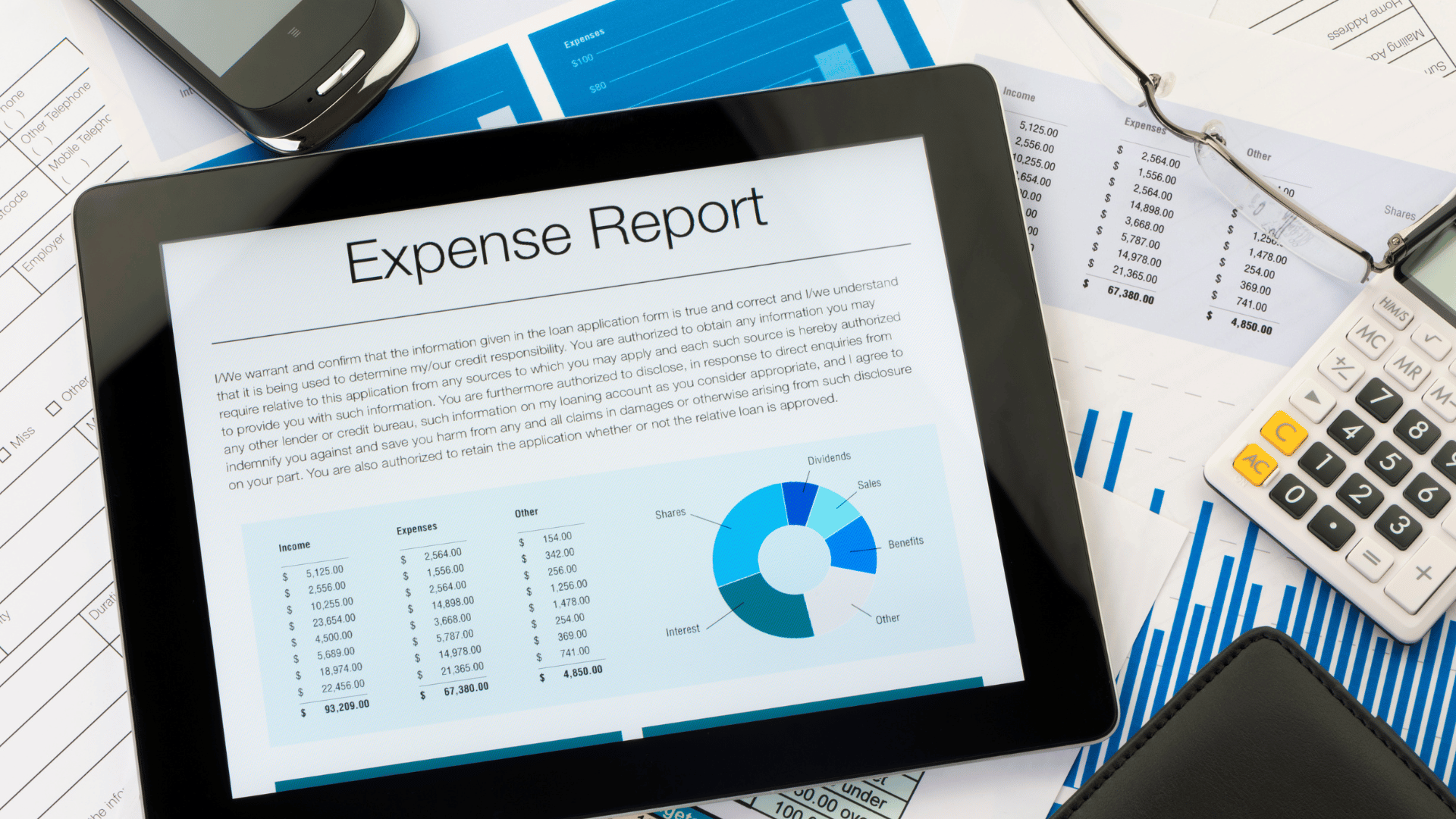
Keeping track of money should not feel like a hard math test. Yet many people still struggle to record expenses, store receipts, and manage spending. This is where a good expense tracking app can help.
If you use a tablet, things become even easier. A larger screen means better charts, clearer reports, and simple navigation. But here’s the catch: there are hundreds of apps in the market. Picking the right one can feel like looking for a needle in a haystack.
So let’s break it down step by step. Here is a simple guide to help you choose the best expense management app for your tablet.
Start with a Clear Purpose
Ask yourself one straightforward question before downloading any app: Why do I need it? Some individuals wish to monitor their daily expenditures. Others require tools for team reports, travel refunds, and business expense tracking.
Selecting the appropriate tool is made easier when you are aware of your objective. A basic app will do if you just want to keep tabs on your personal spending. However, you might need advanced features such as reporting and approvals if you oversee business spending.
Choose an App with Easy Receipt Scanning
Typing expense details again and again can be tiring. That is why many modern apps now include receipt-scanning technology.
With this feature, you simply take a photo of your receipt. The app reads the information and saves it automatically. Date, amount, and merchant name appear instantly.
This feature helps with:
- digital receipt storage
- automatic expense logging
- faster expense reporting
For people who travel often or handle business purchases, this feature is worth its weight in gold.
Make Sure the App Works Smoothly on Tablets
Not every mobile app works well on tablets. Some apps look stretched or messy on larger screens.
A good tablet-friendly expense app should offer:
- wide dashboards
- easy swipe navigation
- clear spending charts
- larger input fields
These small details make a big difference. If the app feels smooth and natural on your tablet, you will use it more often.
Think About Business Features
If you run a business or manage a team, basic tracking may not be enough.
You may need tools like:
- expense approval workflows
- team expense management
- policy compliance alerts
- corporate card tracking
Many companies use platforms like Expensify to manage employee spending. But some businesses prefer a flexible alternative to Expensify that offers better customization and smoother workflows for growing teams. The right solution depends on how your company handles repayments and expense approvals.
Look for Real-Time Expense Tracking
Speed matters when managing money. A modern expense-tracking system should update your spending in real time. This means every expense you add appears in reports right away.
Real-time tracking helps you:
- See daily spending patterns
- control budgets quickly
- avoid overspending
It is like having a tiny accountant sitting inside your tablet. When you can see where your money goes, you can stop wasting before it grows.
Pick an App That Syncs Across Devices
Most people use more than one device every day. You might log an expense on your phone but review reports on your tablet later.
That is why cloud-based expense apps are becoming popular. These apps store your data online and sync it across devices. Your information stays updated whether you open it on your phone, tablet, or computer.
This feature is especially helpful for teams. Managers and finance staff can access the same expense data without confusion. When everyone works from the same records, mistakes stay low.
Consider Pricing and Value
Some expense apps are free, while others charge monthly fees. Free versions may work well for individuals. But businesses often need paid plans with advanced features.
Before choosing an app, look at:
- monthly cost
- user limits
- included features
- upgrade options
The cheapest app is not always the best. Instead, focus on value. If the app saves hours of manual work, it can easily pay for itself.
Test the App Before Making a Final Choice
Most expense apps offer a free trial. Take advantage of it.
During the trial period, test things like:
- receipt scanning accuracy
- report generation speed
- tablet interface design
- device syncing
If the app feels simple and smooth, you have found a good match.
Final Thoughts
It's not necessary to download the most widely used app to select the best expense-tracking app for your tablet. Finding one that meets your needs is the key. Pay attention to the important details. When these elements are combined, cost management becomes easy.
And keep in mind the golden rule: if you take care of the little things, you will save a lot of money. Your tablet can become a smart tool for better money management with the right app.

Jim's passion for Apple products ignited in 2007 when Steve Jobs introduced the first iPhone. This was a canon event in his life. Noticing a lack of iPad-focused content that is easy to understand even for “tech-noob”, he decided to create Tabletmonkeys in 2011.
Jim continues to share his expertise and passion for tablets, helping his audience as much as he can with his motto “One Swipe at a Time!”