
Building a Senior Safety Dashboard on a Tablet
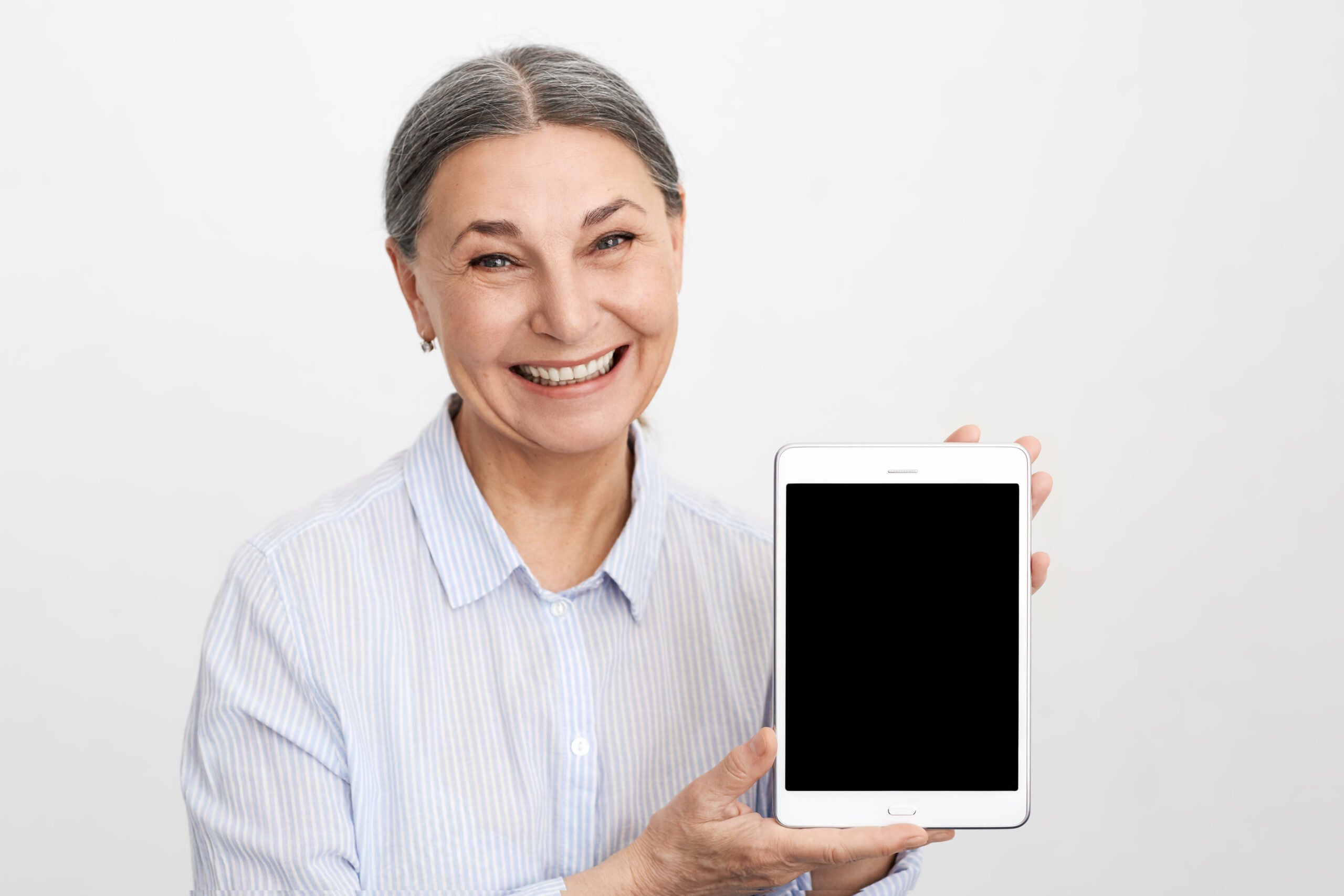
A senior safety dashboard can make a huge difference to the health and well-being of an elderly relative or even a child. But it can also offer peace of mind to families while making the job a career much easier.
But technology like tablets can be tricky for some people. So, from accessibility to cybersecurity, here are some tips for using a tablet as a central health hub.
Make It Simple to Use
Tablets are remarkably versatile devices and can change your life for the better when used as a tool. However, they are also pretty complex for someone who isn't used to technology. Whether it will be accessed by a senior relative, a carer, or both, the system must be easy to use.
Alongside devices like a Life Assure personal medical alert system, a decluttered interface, one-touch access, and easy-to-find apps can act as a central hub for medical alerts.
Enable Accessibility Settings
One of the most useful yet overlooked features of modern devices like tablets and laptops is accessibility. Whether you are hard of hearing, visually impaired, or have reduced motor skills, there are tons of settings you can enable on tablets.
These include larger text sizes, big icons, and real-time screen readouts. These make tablets much easier to use for both carers and patients, as they can be configured for anyone to use with minimal negative impact.
Use a Senior Safety Dashboard for Emergency Contacts
People aged over 65 account for a massive 40% of hospital admissions. So, of course, there needs to be a system for contacting emergency services, specialist treatment providers, and family members.
Instead of a phone, you can use a tablet as a quick access system, and even link medical alert devices with apps to contact emergency services automatically when something happens. You can get a free tablet for disabled persons from various organizations.
Don't Ignore Cybersecurity
For tablets to have any kind of useful functionality, they work best when connected to the internet. But as you already know, there are many dangers of web connectivity.
These include data phishing, scams, and keyloggers. To that end, it makes sense to install robust security measures such as anti-malware services like Malwarebytes. It also helps to enable built-in security features such as passwords for downloading, ad-blockers, and even biometric access.
Protect the Tablet from Damage
It is pretty easy to mount a tablet to the wall to act as a central hub, where everyone concerned can access what they need, such as medication schedules.
However, tablets are pretty weak to physical damage. This includes screen scratches and cracks, fall damage, and even fingerprints. To reduce tablet damage, it will help to place it in a rugged case to prevent drop damage, install a screen protector, and clean it with an anti-bacterial microfiber cloth.
Summary
Making a tablet simple to use with a decluttered interface will help when building a senior safety dashboard at home or at a care facility. It also helps to add easily-accessible emergency contacts, and protect the tablet itself from damage such as cracked screens and bacteria.

Jim's passion for Apple products ignited in 2007 when Steve Jobs introduced the first iPhone. This was a canon event in his life. Noticing a lack of iPad-focused content that is easy to understand even for “tech-noob”, he decided to create Tabletmonkeys in 2011.
Jim continues to share his expertise and passion for tablets, helping his audience as much as he can with his motto “One Swipe at a Time!”