
Can a Tablet Replace a Laptop? 7 Things to Check Before You Buy
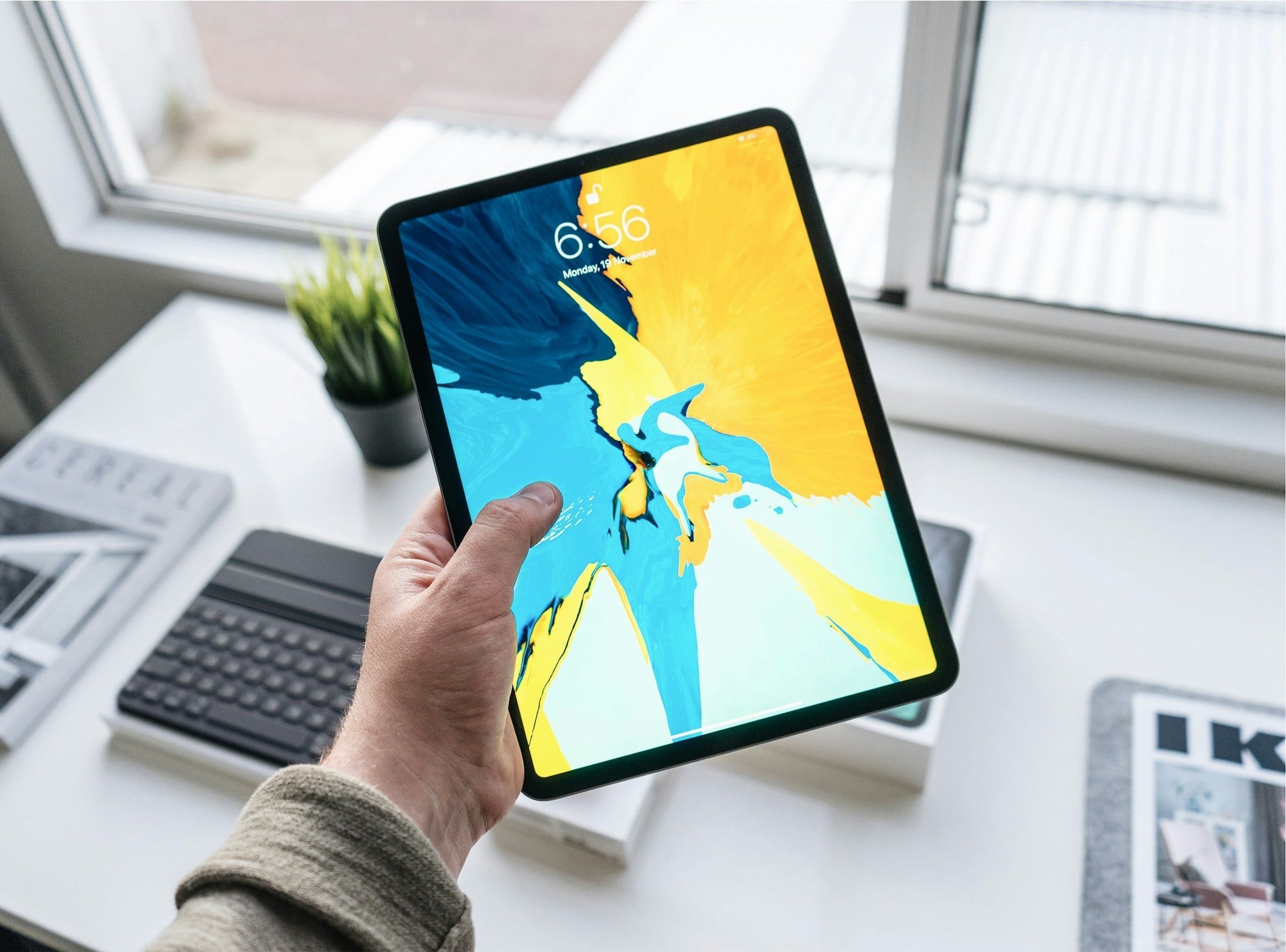
Gone are the days when tablets only help you listen to music or watch movies. Now, they boast a combination of powerful processors, smarter accessories, and better software support that qualify them as alternatives to conventional laptops.
Yet, can a tablet truly replace your laptop in 2026?
It depends on why you're purchasing one. This review shows seven crucial things to check before you buy a tablet as a replacement device for your PC.
Why Replace Your PC With a Tablet?
Modern tablets have qualities that rival many mid-range laptops. These include powerful processors, multitasking features, long battery life, cloud storage, USB-C ports, and more.
They are lightweight while boasting longer battery life, which makes them ideal for remote nomads and mobile workers.
But not by work alone:
Tablets are great for leisure, too. For instance, they provide the best mobile gaming experience across a broader screen that reminds you of a PC, but with quality, only a tablet would fly.
It can be a significant advantage for iGaming platforms' fans looking for a legit place to play. When reading expert reviews of such platforms at GHZD (for example, their detailed review of Bison Casino on https://gry-hazardowe-zadarmo.com/bison-casino/), users can avoid unsavory UX experiences.
That said, whatever your reason is for purchasing a tablet, you'd need a handy buyer's guide to sift through multiple models, price points, and specs.
7 Things to Check Before You Buy a Tablet
The average first-time buyer would focus solely on price. However, affordability isn't the best indicator of value.
Consider matching the device with your anticipated use cases.
It helps you avoid buying an underperforming, slow tablet that frustrates you too soon. So, what exactly should you check when choosing a tablet?
1. First, What Are Your Usage Needs?
First, define your purpose.
Do you want to stream Netflix and YouTube? Or are you interested in speedy online gaming or the eSports world?
Do you need a gadget for your classes and studies? Or do you want a gadget for your kids' after-school learning and games?
Here's the catch.
You don't need high-end specs if your usage needs are basic. However, you might want to prioritize performance if multitasking or productivity ranks high on your usage plans.
2. Display Size & Quality
A tablet's most important physical feature is the screen. An 8/9-inch tab is great for reading and easy mobility. Work-related purposes might require tablets with displays of 10 or more inches.
Besides the display size, look for devices with top-notch color quality and good brightness.
You'd most likely also need to prioritize Full HD resolution on the external displays if graphics matter to your anticipated use cases.
3. Check the Specifications (RAM, Processor, OS, and Storage)
A lagging tablet could be more frustrating than a dead tablet. That's why we recommend previewing a tab’s specifications beforehand.
For performance, look out for 3GB of RAM if you only need to execute basic tasks on the tab. 4GB RAM smooths your everyday tablet usage, while 6GB (or higher RAM is great for tablet multitasking.
Check the right battery specifications for your needs. A good tablet should last all day, so look for a device that delivers 8-10 hours for general use.
Also remember that a tab's storage can fill up quickly as apps, photos, and updates come along. That's why we'd recommend getting 32GB of storage for basic usage while pegging 64GB of storage as the ideal starting point.
A tab with 128GB+ storage is best for long-term usage, while alternatives with expandable storage (microSD) options offer more flexibility.
Lastly, choose an operating system you're comfortable with.
Many budget-conscious users prefer Android due to its flexibility and relative affordability. iPads might suffice if you're big on premium services and smooth performance, while a Windows-based operating system helps productivity.
4. Check Its Connectivity Options (Wi-Fi or 4G/5G?)
Do you intend to use your tablet outside the home?
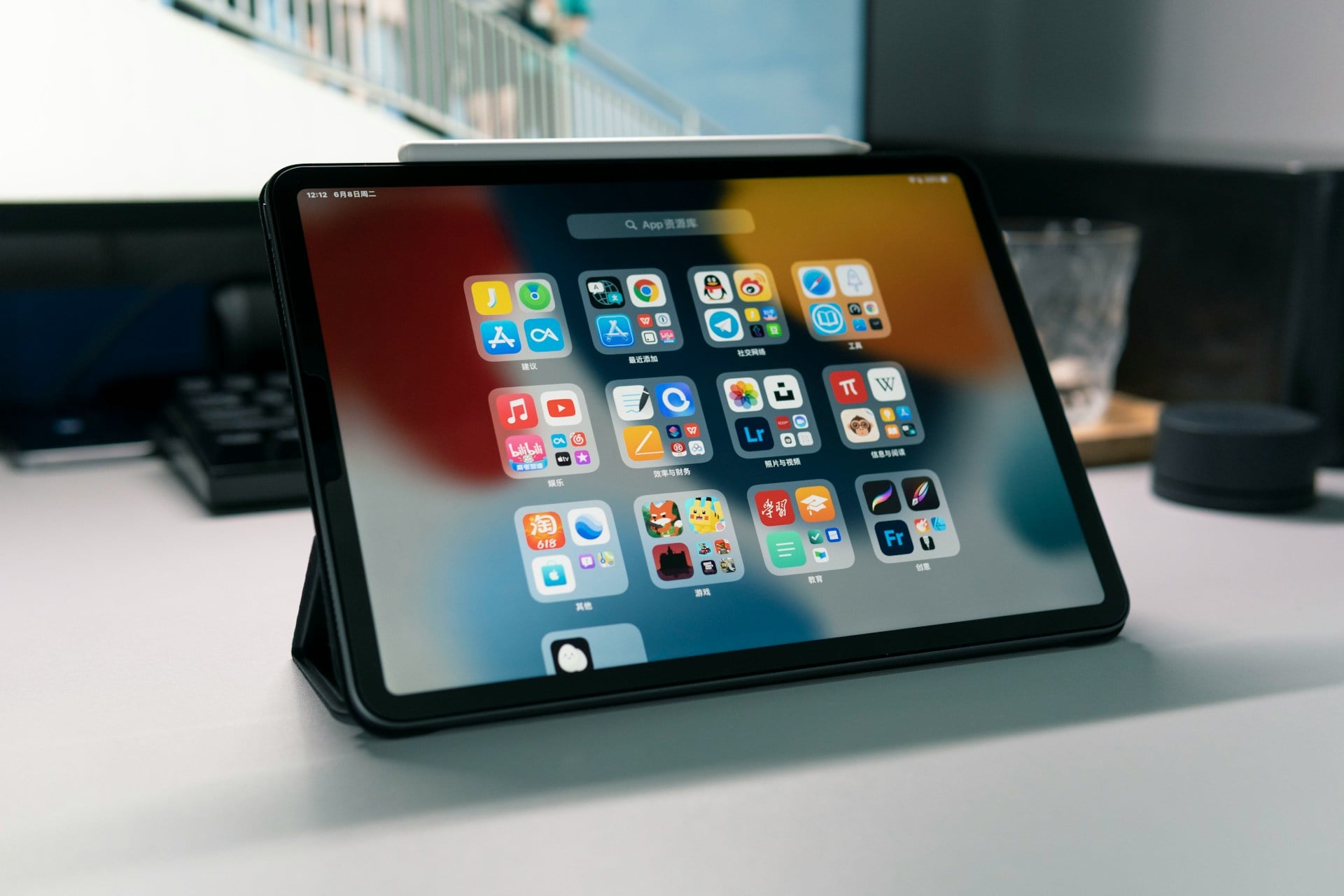
A Wi-Fi-only tablet could suffice if you don't intend to take the tablet out of the home. However, a 4G/5G device would fit a mobile itinerary.
5. Check out Its Accessories & Compatibility Features
The absence of accessories can change how you use your tablet. Students or designers might want to prioritize trackpad support, while workers might prefer a tablet with better keyboard compatibility.
You may also want to explore tablets with protective or preferred cases.
6. Brand Trust & Seller Reliability
Here's one of the most vital steps to note before you purchase a tablet, especially online. Look out for verifiable metrics like the seller's reputation and warranty details.
To validate the above claims, also consider real customer reviews and performance feedback from independent or unbiased review platforms linked to the buyer. When doing this, look out for comments on long-term usage, battery life, and compliance with warranty claims/return policies when making a choice.
7. Beyond Pricing, Compare/Contrast Value
Affordable tablets aren't always the best. You might also want to check for a website's build quality, speed, or longevity. In all, a slightly higher-priced Lenovo or Huawei tab may last years longer than a cheaper alternative.
Over to You
Flagship Android tablets and Apple M2 iPad Pros now facilitate video editing, graphic design, and multitasking needs smoothly.
Meanwhile, some tablets boast snap-on keyboards and pressure-sensitive pens that make them qualify as workstations for typing, sketching, note-taking, and more.
Tablets have built-in multitasking features like split-screen and app switching, alongside drag-and-drop file management options.
Then you have massive cloud storage and USB-C ports to store or access data, while seamlessly connecting to monitors and hard drives.

Jim's passion for Apple products ignited in 2007 when Steve Jobs introduced the first iPhone. This was a canon event in his life. Noticing a lack of iPad-focused content that is easy to understand even for “tech-noob”, he decided to create Tabletmonkeys in 2011.
Jim continues to share his expertise and passion for tablets, helping his audience as much as he can with his motto “One Swipe at a Time!”