
Solving the Frankenstein UI: A Deep Dive into the Icons8 Library
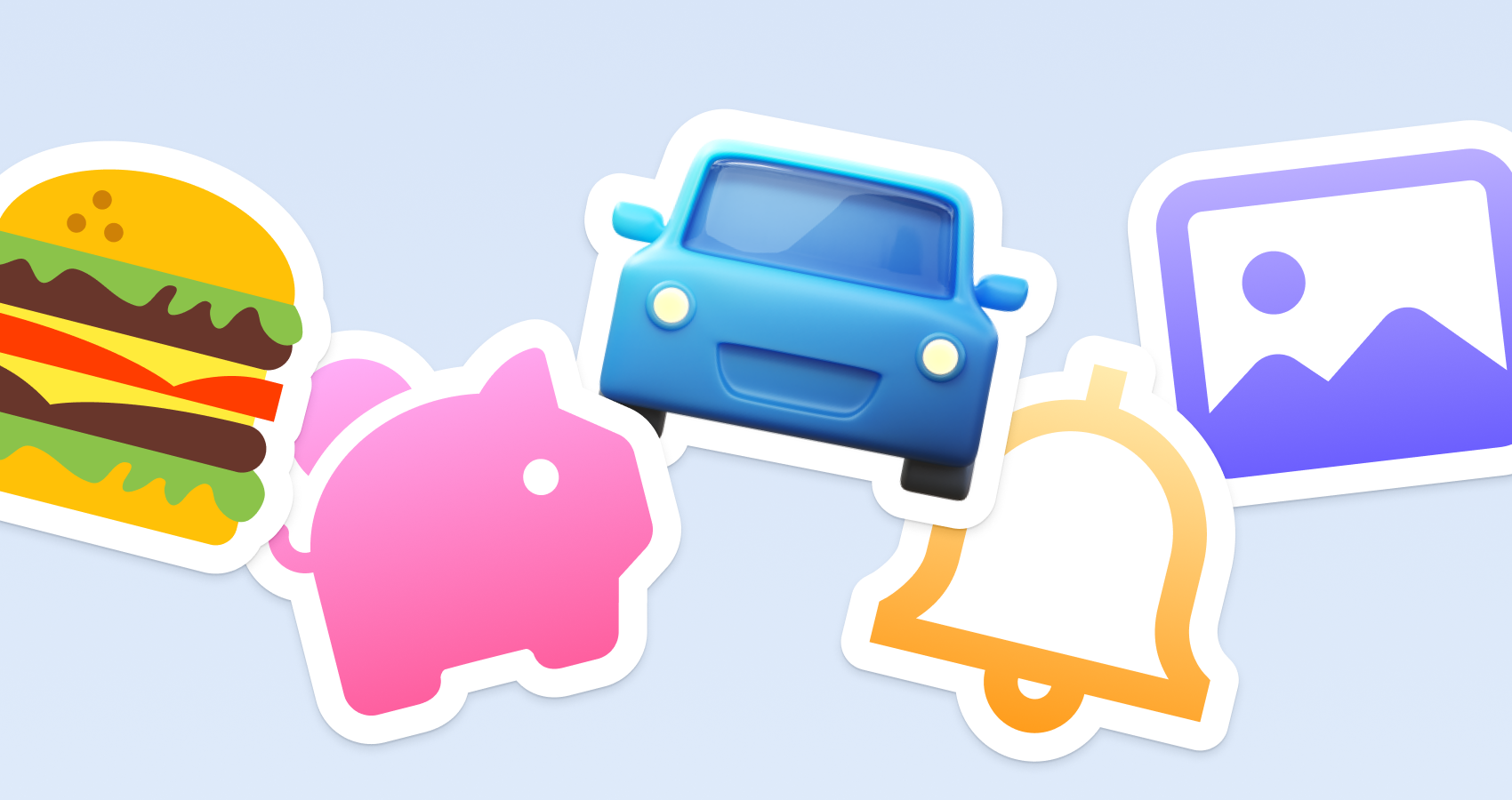
We’ve all seen it. The “Frankenstein UI.”
You grab a “home” icon from one open-source set, a “settings” cog from a different pack, and a “user” avatar from a quick Google search. Individually, they look fine.
Put them together, and the interface falls apart. Varying stroke weights, mismatched corner radii, and conflicting perspectives make the product look cheap.
The challenge for product teams isn't just finding icons. It is maintaining a consistent visual language without hiring a full-time iconographer. Icons8 attempts to solve this by focusing less on total volume and more on the depth of specific styles.
I’ve used Icons8 for dashboard projects and mobile apps. It operates less like a standard stock site and more like a utility for standardized design systems. Here is a breakdown of how the platform functions in real workflows, where it excels, and where it falls short.
The Core Value: Depth Over Breadth
1.4 million icons is a nice marketing number, but it’s irrelevant. The metric that matters is the count per style.
Most icon packs-even paid ones-give you 200 to 500 standard assets. If you need a specific metaphor, like “AI-generated report” or “biometric scan,” you hit a dead end. You are forced to mix styles, breaking your visual system.
Icons8 takes a different approach. They maintain massive packs in single styles. The iOS 17 style alone contains over 30,000 icons.
The Windows 11 style has 17,000+. You can build a massive enterprise application with thousands of unique actions and never have to switch styles or mix disparate assets.
Workflow: The Strict Platform Adherence
Native applications demand strict rules. You don't mess with Human Interface Guidelines (Apple) or Material Design (Google).
Picture a UI designer building a complex settings menu for an iOS app. The requirement is pixel-perfect adherence to Apple’s visual language.
- Access: Skip the website. The designer opens the Mac app (Pichon) or the Figma plugin.
- Selection: They select the “iOS 17” category. Now, every search result matches the specific line weights and curvature of the operating system.
- Implementation: Drag a “Privacy” shield and a “Notification” bell onto the canvas. Because the icons are built to the grid, they fit immediately.
- Customization: The designer needs a “Data Export” icon that doesn't exist in the standard Apple SF Symbols set. They find it in Icons8, matching the exact visual weight of the native system icons.
This workflow kills the “close enough” problem. You aren't forcing a Material Design filled icon into an iOS outlined environment.
Workflow: The Rapid Prototype and Developer Handoff
Not everyone using icons is a designer with vector software. Developers and product managers often need to spin up a landing page or internal tool quickly.
Here, a developer is building a React-based dashboard and needs status indicators.
- Search & Edit: Search for “server status” in the browser. Pick “Material Outlined” to keep things clean.
- In-Browser Modification: The default is black, but the developer needs brand blue. Using the on-site editor, they paste the HEX code directly. They add a padding buffer so the icon doesn't crowd the button borders.
- Asset Generation: Instead of downloading a file, they select the “Base64” or “SVG Embed” option.
- Integration: Paste the code snippet directly into the HTML/JSX. The icon renders instantly, scalable and colored correctly. No Photoshop required.
A Day in the Life: Handling the Niche Request
To see how library depth impacts daily work, let's look at a typical Tuesday for “Jules,” a product designer at a logistics startup.
10:00 AM: Jules gets a ticket to update the driver app. Drivers need to report specific vehicle issues: “Low Tire Pressure,” “Engine Overheat,” and “Broken Tail Lift.”
10:15 AM: Jules opens a standard open-source pack (like Feather). Generic truck? Yes. Specific engine trouble? No. Combining shapes manually takes forever and looks messy.
10:30 AM: Switch to Icons8. Filter by “Plumpy,” the friendly style the app uses. Search “tire.” Result: flat tires, pressure gauges, and winter chains.
10:35 AM: “Tail Lift” is missing. Jules finds a “Truck” icon in the editor. Using the “Add” feature in the browser, they overlay an “Arrow Down” subicon and a “Platform” geometric shape. They adjust the stroke thickness to match the base icon.
10:45 AM: Stakeholders want the “Engine Overheat” icon to flash when urgent. Toggle search to “Animated.” Found: a Lottie JSON thermometer bursting.
10:50 AM: Download static SVGs for standard states and Lottie JSON for the critical state. The instagram logo for the footer comes from the “Popular” category (which is free) to finish off the settings screen.
11:00 AM: Assets zipped and attached to Jira. Total time: one hour.
Comparing the Alternatives
Understanding where Icons8 fits requires looking at the competition.
- Vs. Open Source (Heroicons, Feather, Lucide): Excellent for personal projects or simple websites. They are free and lightweight. But they usually cap out at 500 icons. If you need a “cryptocurrency wallet” or a “sushi roll,” you will come up empty-handed.
- Vs. The Noun Project: A fantastic aggregator for unique, artistic concepts. But it’s a system nightmare. Because every designer has a different style, you cannot build a consistent UI. One icon has rounded caps, the next has square caps. Icons8 enforces a single style guide across thousands of assets.
- Vs. In-House Design: The gold standard, but prohibitively expensive. Designing 500 custom icons takes weeks of labor. Icons8 acts as a proxy for an in-house team, provided you stick to their predefined styles.
Practical Tips for Power Users
- Uncheck “Simplified SVG”: By default, the platform simplifies SVGs to reduce file size. If you plan to open the icon in Illustrator to manipulate vector nodes, uncheck this box in the download settings. Preserve the original paths.
- Use Collections for Bulk Recoloring: Don't color icons one by one. Create a Collection, drag 50 icons into it, and apply your brand palette to the entire set at once. Download them as a sprite or individual files.
- Leverage the Request System: Missing an icon? Use the Request feature. Unlike many support black holes, this system relies on community voting. If you get 8 likes on a request, they actually draw it.
Limitations and When to Look Elsewhere
The library is vast, but it is utilitarian.
If your brand relies on a hand-drawn, gritty, or highly textured aesthetic, Icons8 will feel too “clean.” The styles are designed to be safe and universally applicable. Sometimes that reads as generic.
The licensing model also creates a divide between raster and vector. The free tier is generous with PNGs (up to 100px), but professional design work almost always requires SVG.
If you are working with a zero-budget client who needs high-resolution print assets or scalable vectors, the paywall will be a blocker.
Final Verdict
Icons8 is less of a creative browsing tool and more of a logistical solution for UI production. It solves the problem of scale.
For a simple blog, it’s likely overkill. But for teams building complex software, SaaS platforms, or e-commerce sites where a “shopping cart” icon must match the visual DNA of a “credit card” icon, it offers a level of consistency that is difficult to achieve without a dedicated design department.

Jim's passion for Apple products ignited in 2007 when Steve Jobs introduced the first iPhone. This was a canon event in his life. Noticing a lack of iPad-focused content that is easy to understand even for “tech-noob”, he decided to create Tabletmonkeys in 2011.
Jim continues to share his expertise and passion for tablets, helping his audience as much as he can with his motto “One Swipe at a Time!”